
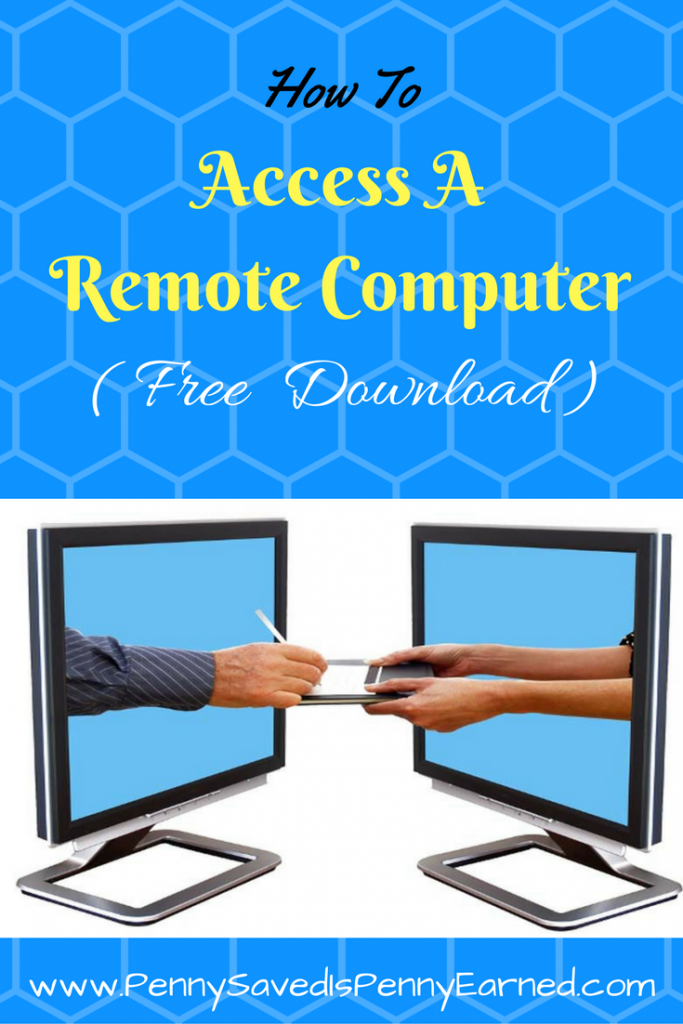
 Imagine this! Your client is struggling with installing drivers for printer on his/her computer and need your help. You are trying your best to help through phone but your client can’t seem to follow your instructions.
So frustrating! Isn’t it?
You feel like going to your client’s office immediately and get the problem fixed. The only problem is, your client is roughly a 4000 miles away.
What if I tell you that you can, in fact, access your client’s computer from 4000 miles away and get the problem fixed !?! That’d be great, right?
Now, what if I tell you that you don’t have to spend a dime out of pocket to access that computer from 4000 miles away !?! Yes! Won’t that be amazing!
TeamViewer is an amazing tool , free for personal and non-commercial use, that you can get to access and work on a remote computer. Its functionality goes far beyond the remote support example I quoted above. Using TeamViewer, you can easily access your office computer from anywhere and work remotely (or vice versa), participate in online meetings and presentations, chat with other people or groups, make video calls, and share files.
I often use TeamViewer in my one-on-one live training sessions, so that my students can watch and learn how certain operation are performed.
Compatible to work on Windows, Mac, Linux, Chrome OS, Android, iOS and Blackberry, TeamViewer is, hands down, a complete solution for remote access and online collaboration.
Here is the link to download: https://www.teamviewer.com/en/download/windows/
Do give it a try and let me know of your experience.
Happy reading!
